![tradable-bits-long-logo-for-download.png]](https://resources.tradablebits.com/hs-fs/hubfs/tradable-bits-long-logo-for-download.png?height=40&name=tradable-bits-long-logo-for-download.png)
The "Dream Team" was popularized during the 1992 Olympics when the United States basketball team was the first to feature active NBA players, ultimately winning gold. The "Dream Team" Campaign is a great way for fans to get involved by picking their favourite players for the perfect lineup.
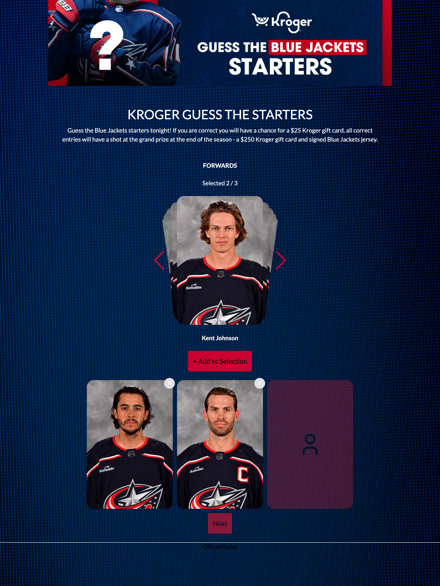
We're outlining some campaign-specific details below. Follow this guide for more info on General Setup and other campaign basics.
Content
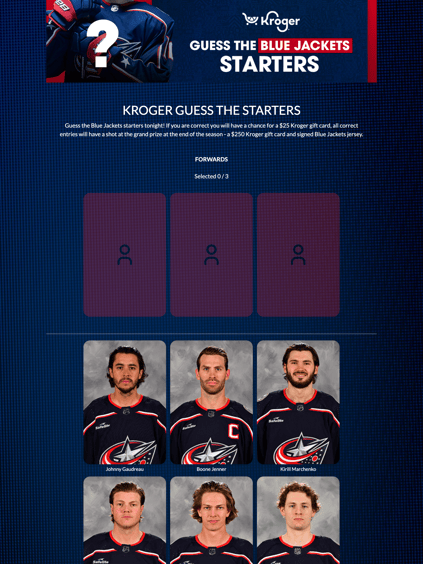
Toggle on "Use Grid Display" to show every player in a position as a grid of cards instead of the swipeable card carousel.
Content
In the "Content" section, you are able to configure your dream team size and settings. First, select if you would like a Sport Template set up or create custom positions. The Sport Template Dream Team includes standard positions from a variety of sports, or customize your lineup by creating your own unique positions. These templates include:
- Aussie Rules Football
- Baseball
- Basketball
- American Football (Offence)
- American Football (Defence)
- Hockey
- Rugby Union
- Rugby League
- Rugby 7's
- Soccer/Association Football
- Netball

Dream Team Details
Once you have chosen whether you used a template or custom position, you will be able to add players in the player pool section. You can add an image, name, and description for each option. We recommend 230 x 270The player count determines how many selections a person can make from your list.
Pro Tip: Offer more options than the required number of selections — this gives your fans a wider pool of players to choose from when building their dream team.
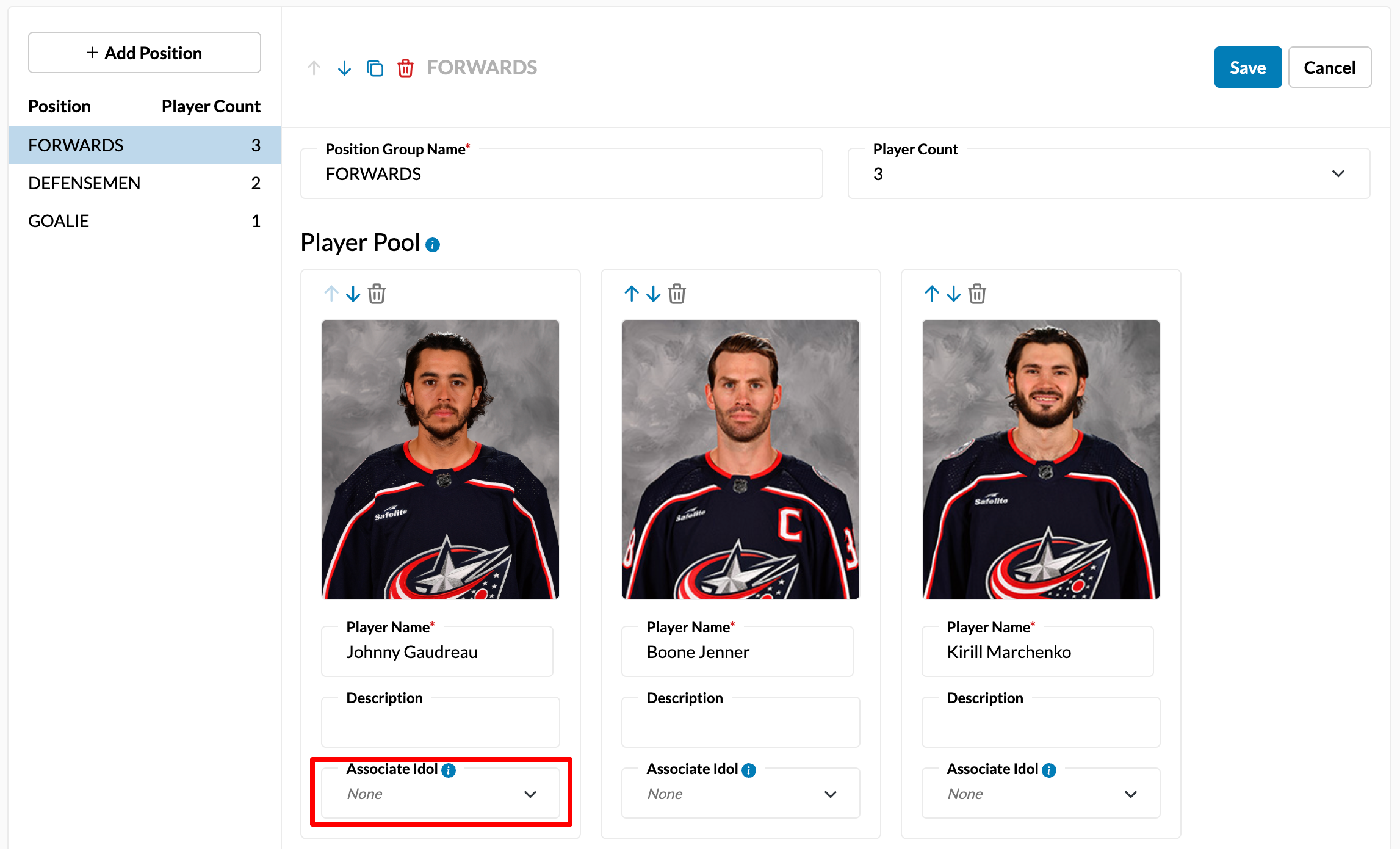
For each selection, assign an idol affinity by clicking the Associate Idol field and searching for the player. This affinity is saved internally to the fan's profile and remains hidden on the fan-facing side.
Before publishing your campaign, be sure to review our Campaign Publishing Checklist for a smooth launch.
Still need assistance? Please reach out to your Customer Success Team or contact support@tradablebits.com