![tradable-bits-long-logo-for-download.png]](https://resources.tradablebits.com/hs-fs/hubfs/tradable-bits-long-logo-for-download.png?height=40&name=tradable-bits-long-logo-for-download.png)
This guide will address 2 main sections:
- Shopify side setup and Tradable Bits side setup
- Where you can use your integration in the Tradable Bits Platform
Part 1: Shopify Setup
Set up a Tradable Bits Custom App
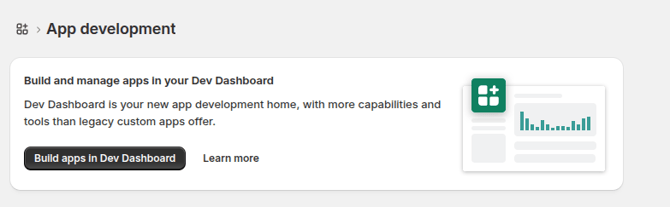
- Go to the Shopify Dev Dashboard (https://dev.shopify.com/dashboard).
- Click the Create App button in the bottom right corner.
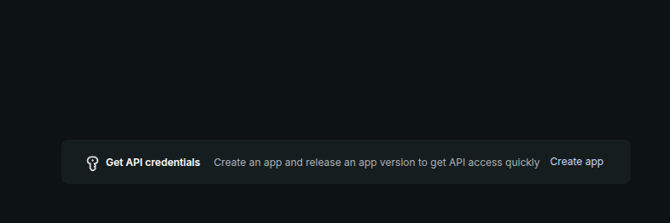
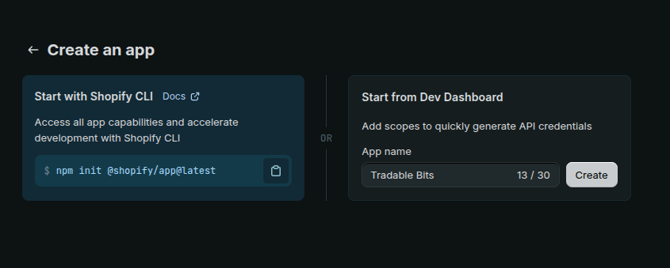
- Give your app a name. We recommend using Tradable Bits as your app name.
-
Set both the App URL and Redirect URLs fields to the following address:
https://tradablebits.com/shopify_auth/<ACCOUNT_ID>
Make sure to replace<ACCOUNT_ID>with your actual, unique Account ID found on the Tradable Bits platform. -
Select the following up-to-date scopes:
read_all_orders,write_checkouts,read_checkouts,read_customers,write_customers,read_orders,read_products -
Next, set the Redirect URLs field to the following address, replacing
<ACCOUNT_ID>with your actual Account ID from the Tradable Bits platform:https://tradablebits.com/shopify_auth/<ACCOUNT_ID>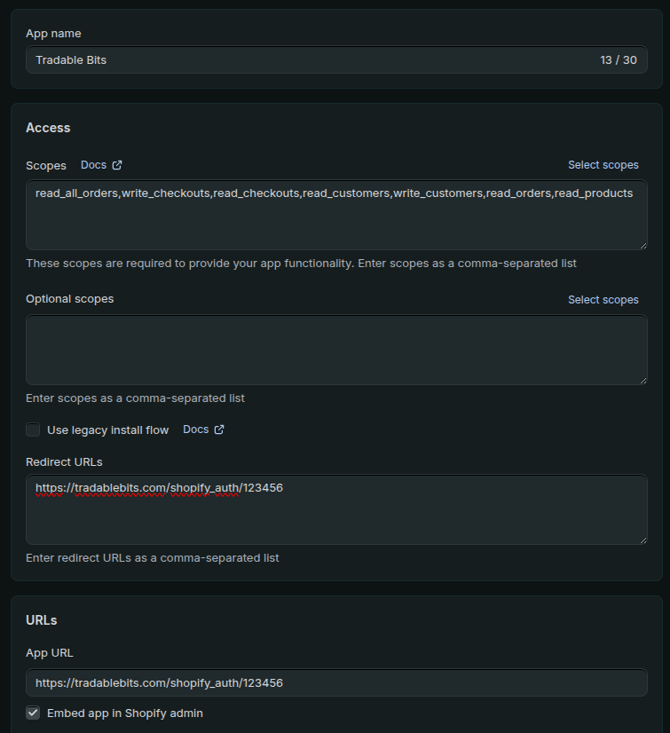
- Click the Release button in the bottom right corner (you can leave Version name and Version message blank).
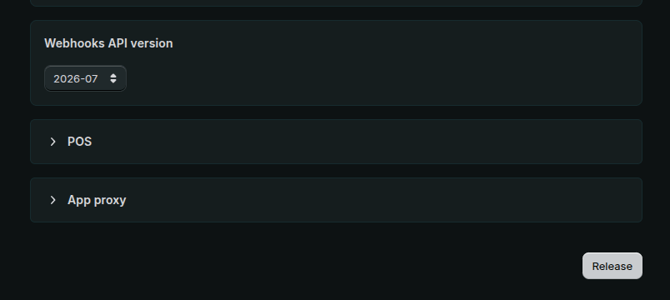
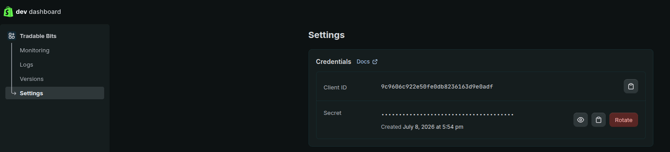
- Navigate to Settings (in the left-hand menu) and give your Tradable Bits Customer Success Manager your Client ID and Secret and Store name (found in Step 9).
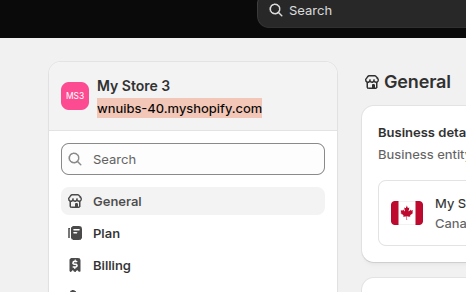
- To find your store name, log in to your Shopify Admin portal at admin.shopify.com and click Settings in the bottom-left corner. Look for your official store URL, which is the specific address that ends in myshopify.com, as shown in the picture.
- Once your Customer Success Manager confirms that the backend setup is complete, you must install the app to finalize the connection. You can do this by clicking the Install App button located in the top-right corner of your Shopify Dev Dashboard.
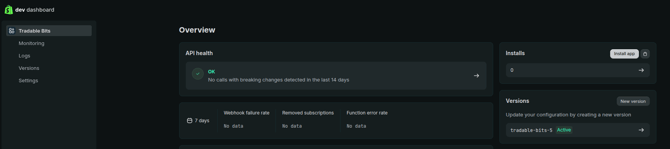
OR navigate to Integrations > Incoming from the TBits Homepage and click Re-Authenticate next to the Shopify Integration.
- Click Install on the installation page.
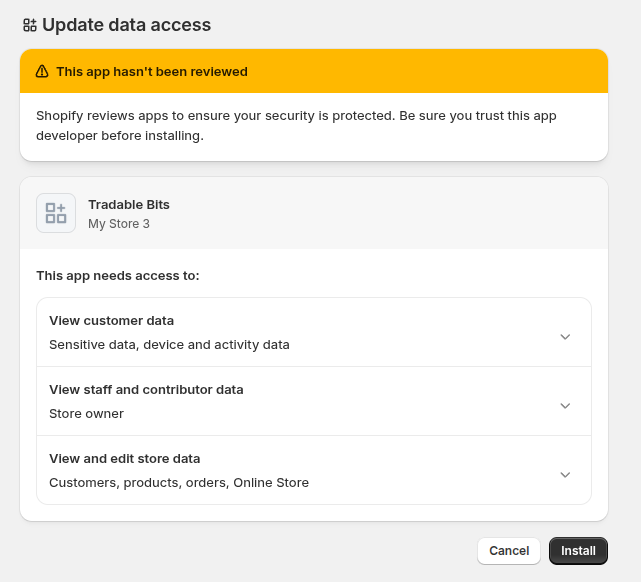
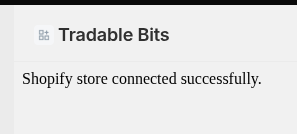
- If all goes well, you should see the following message:
Part 2: Where you can use your integration in the Tradable Bits Platform
You can use your Tradable Bits x Shopify integrations in the following ways:
- Within the Sales Section: Use the reporting section to monitor merch sales coming in from Shopify.
- FanCRM: Create filters/audiences containing fans who have purchased through your Shopify.
Congrats! You’re all set up with your Shopify integration and ready to increase those merchandise conversions.
Still need assistance? Please reach out to your Customer Success Team or contact support@tradablebits.com