![tradable-bits-long-logo-for-download.png]](https://resources.tradablebits.com/hs-fs/hubfs/tradable-bits-long-logo-for-download.png?height=40&name=tradable-bits-long-logo-for-download.png)
If you are running a campaign and do not want live results to be visible on the Contest Over Page of your campaign, you can quickly copy and paste the below line of code into your Custom CSS/JS section in an individual campaign or add in at the Business level if you are certain that you would like it applied to all of your campaigns.
Example:
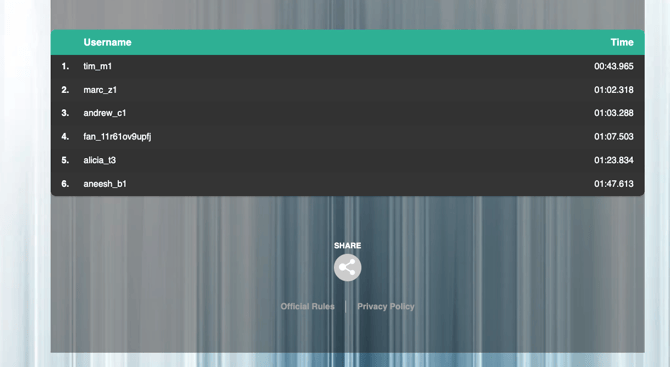
If you would like to remove the results from this page, copy the below code:
Upload
.search-container, .tab-container, .preview-container {
    display: none
}
Tug of War
tug-of-war-results-section {
    display : none
}
Poll
quiz-questions-results-section {
    display: none
}
Vote
vote-results-section {
  display: none;
}
Lineup
#results-view { display: none !important;}
Live Survey
.live-survey-area.over-page-live-content {
 display: none !important;
}
Still need assistance? Please reach out to your Customer Success Team or contact support@tradablebits.com