![tradable-bits-long-logo-for-download.png]](https://resources.tradablebits.com/hs-fs/hubfs/tradable-bits-long-logo-for-download.png?height=40&name=tradable-bits-long-logo-for-download.png)
Things to note:
CAPI Spotify pixel can’t be associated in campaign setup until an event has been received - meaning you most likely won’t be able to select it right away after you’ve created the CAPI pixel (since Status will be Not receiving)
Native Spotify Ad Account > Events
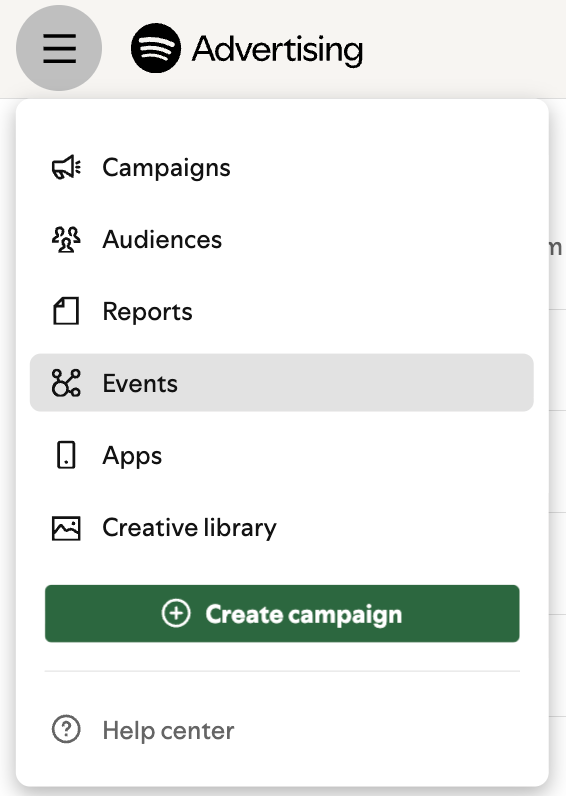
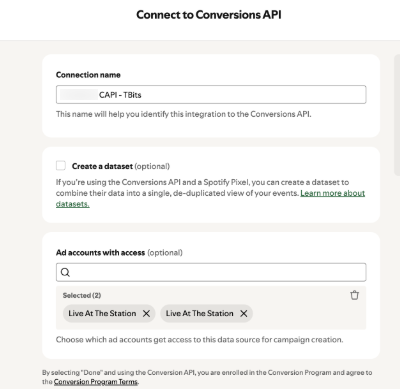
Connect data source>Conversions API

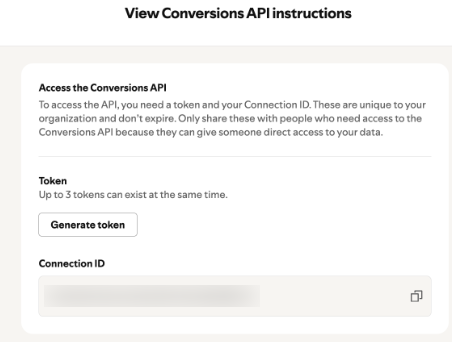
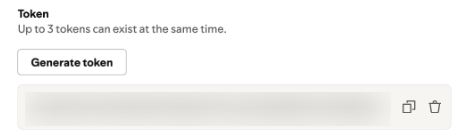
Select Generate token
In TBITS, go to Quick Ads > Pixels (Datasets)
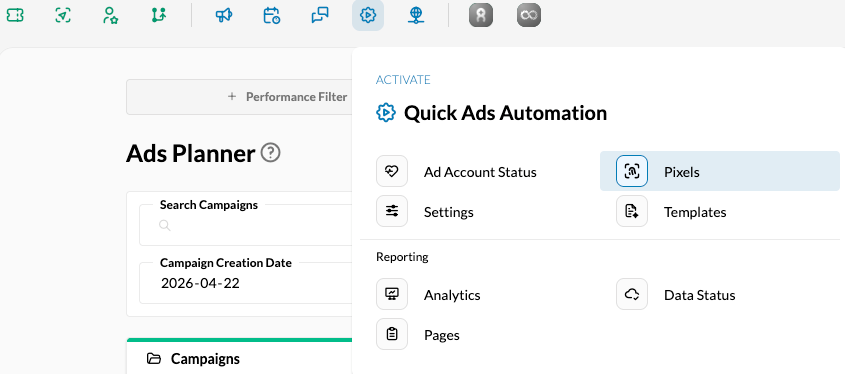
Select New Pixel
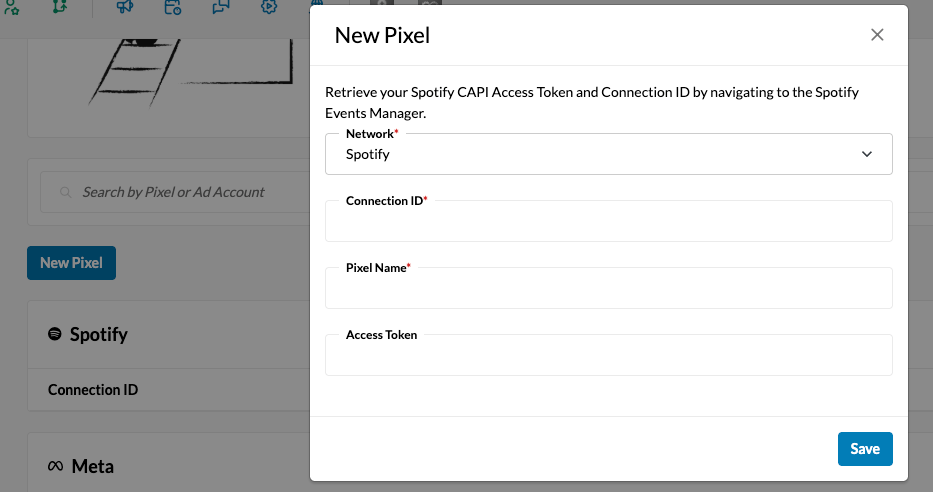
Copy and paste from Spotify: Connection ID and Access Token then Save
Important!
Check off CAPI Enabled box to start sending data to Spotify!
You’re good to go!